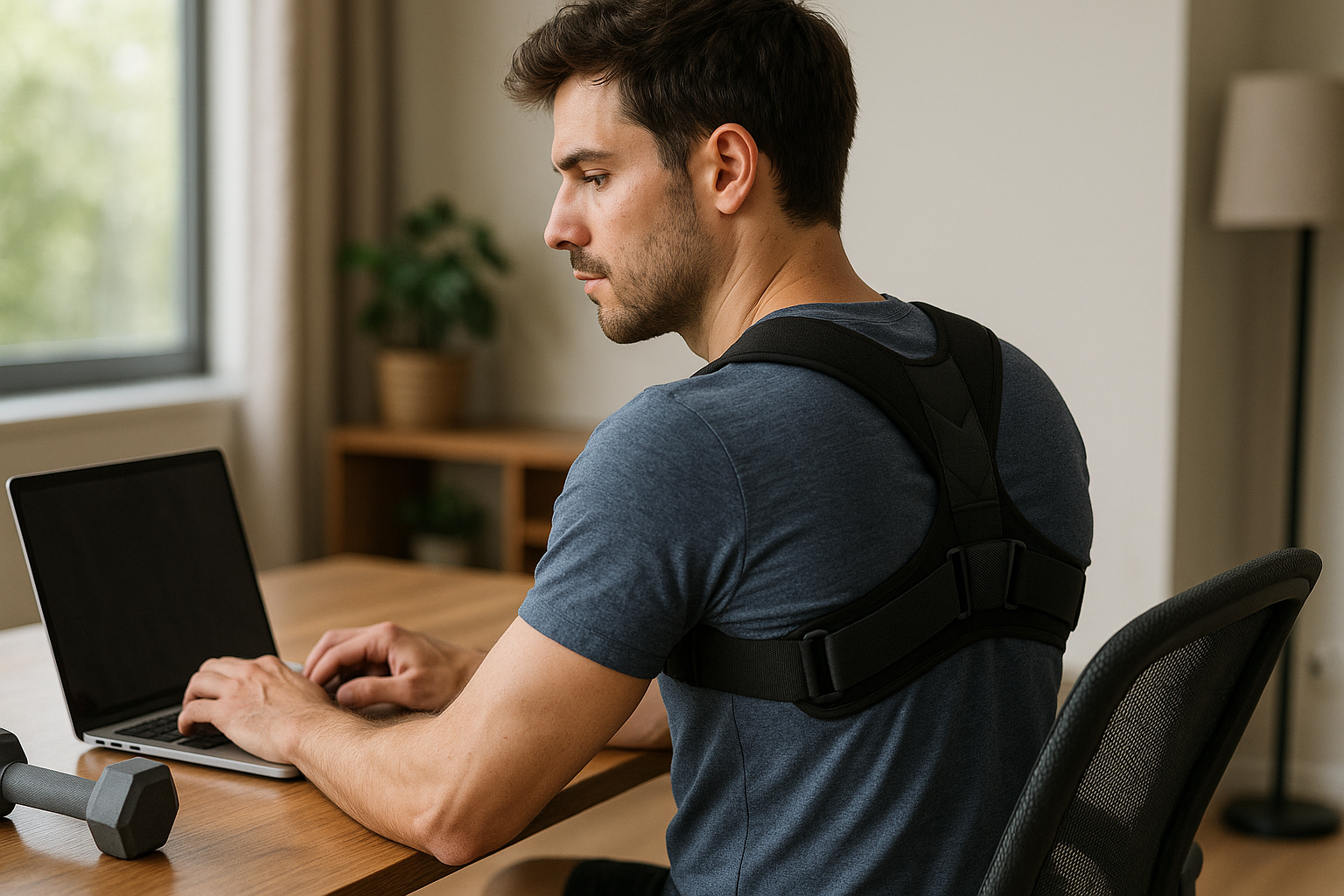


Most of us don’t think of sitting as a skill—until the end of the day when the lower back feels tight, the shoulders creep up toward the ears, and concentration starts to fade. Whether you work in an office, from the kitchen table, or in a dedicated home setup, the modern workday often adds up to hours in the same position. Over time, that can translate into neck strain, back pain, heavy legs, and a general sense of fatigue that has little to do with motivation and everything to do with mechanics.

Men's Posture Shirt™ - Black
Improves posture and can relieve pain; patented technology for back and neck support.
An ergonomic chair is designed to work with your body rather than against it. Instead of forcing you into a fixed posture, it aims to support the way the spine naturally curves, encourage a balanced sitting position, and reduce unnecessary pressure on muscles and joints. The goal isn’t to “sit perfectly” all day—it’s to make it easier to sit well, adjust when you need to, and stay comfortable enough that your body isn’t constantly asking for a break.
Why sitting feels harder than it should
Sitting is often described as the new smoking, and while that phrase is more provocative than precise, it points to a real issue: prolonged, static positions can overload the same tissues again and again. When a chair is too low, too deep, or offers little back support, the body compensates. You might round the lower back, reach forward toward the screen, or brace through the neck and shoulders. These small adjustments can become habits—quietly increasing strain while reducing circulation and making it harder to stay focused.
Remote work has amplified the problem. A dining chair can be fine for dinner, but it rarely provides the adjustability needed for a full workday. Even in well-equipped offices, an “ergonomic” label doesn’t automatically mean the chair fits you. Fit and setup matter just as much as design.
The promise of an ergonomic chair
Choosing an ergonomic chair is often framed as a comfort upgrade, but it’s better understood as a health and performance decision. When the chair supports your posture and lets you change position throughout the day, you spend less energy fighting discomfort. That can mean fewer distractions, steadier energy, and a workday that doesn’t end with your body feeling like it’s been negotiating terms since 9 a.m.
Next, we’ll break down what an ergonomic chair actually does for posture, pain, circulation, and productivity—and which features make the biggest difference in real life.
How an ergonomic chair supports your body
The most immediate job of an ergonomic chair is to help you stay closer to a neutral sitting position without having to “hold yourself up” all day. Neutral doesn’t mean rigid. It means your joints are stacked in a way that reduces strain: the pelvis is supported, the spine keeps its natural curves, and the shoulders can relax instead of bracing.
When that support is missing, the body typically compensates in predictable ways: the lower back rounds, the head drifts forward, and the upper back stiffens. Over time, these patterns can increase load on muscles, tendons, and spinal structures. A well-fitted chair reduces that constant background effort, so posture becomes easier to maintain and easier to change.
Core benefits that matter in real life
Posture and spinal support
A key benefit of an ergonomic chair is support for the spine’s natural S-curve. In practice, this usually comes down to the backrest shape and lumbar support. When the lower back is supported, the pelvis is less likely to roll backward into a slumped position, which can otherwise flatten the lumbar curve and increase pressure through the lower spine.
This matters because prolonged, unsupported sitting is linked to a higher risk of developing or aggravating musculoskeletal disorders (MSDs). While a chair can’t “fix” posture on its own, it can reduce the mechanical stress that makes good posture hard to sustain.
Pain reduction for back, neck, and shoulders
Discomfort often shows up where your body is working overtime to stabilise you. If the chair doesn’t support the lower back, the mid-back and neck frequently take on extra load. If armrests are too high or too low, the shoulders may hike up or collapse forward, leading to tension around the neck and upper trapezius.
Ergonomic chairs address these pain patterns through targeted features: lumbar support that fills the gap in the lower back, adjustable armrests that let the elbows rest close to the body, and a backrest that supports the upper back during upright work and reclined breaks. Research-focused resources often report meaningful reductions in back and neck pain when seating is properly adjusted and used consistently, especially for people who sit for most of the workday.
Enhanced circulation and less numbness
Leg discomfort is an underrated signal that the chair doesn’t fit. If the seat is too high, the feet may dangle, increasing pressure under the thighs. If the seat is too deep, the front edge can press into the area behind the knees, which may contribute to tingling or numbness in the lower legs.
This is why many ergonomic chair seats use a “waterfall” front edge: a rounded lip designed to reduce pressure and support healthier blood flow. Combined with correct seat height and depth, it helps keep the legs more comfortable during long sitting sessions.
Boosted productivity through lower fatigue
Comfort isn’t just a luxury; it’s a performance factor. When your body is constantly shifting to escape pressure points or holding tension to stay upright, attention gets pulled away from the task. Better support can reduce that low-grade distraction and the end-of-day fatigue that often feels mental but starts as physical strain.
In practical terms, this can mean longer periods of focused work, fewer posture-related breaks, and fewer errors caused by discomfort and restlessness.
Key features to look for in an ergonomic chair
Adjustability that matches your body
A chair is only truly ergonomic when it fits the person using it. Look for adjustability in the areas that most affect alignment:
- Seat height to keep feet flat and knees comfortably bent.
- Seat depth so you can sit back without the seat pressing behind the knees.
- Backrest height and recline to support upright work and relaxed leaning.
- Lumbar support with adjustable height (and ideally depth) to match your lower back curve.
- Armrests adjustable in height (and preferably width/depth) so shoulders can stay relaxed.
Materials and temperature comfort
Breathable materials, especially mesh backs, can make a noticeable difference over long days by reducing heat build-up. Cushioned seats can be comfortable too, but pay attention to foam quality: overly soft padding may feel pleasant at first and then compress, reducing support over time.
Dynamic sitting technology
The best ergonomic chair isn’t designed to lock you into one “perfect” position. Features like synchronized tilt allow the backrest and seat to move together as you recline, helping you change posture without losing support. Micro-movements and gentle rocking can also reduce static loading, which is one of the main reasons sitting starts to feel heavy after a few hours.
Ergonomics as a long-term health investment
It’s tempting to judge a chair by how it feels in the first five minutes. But the real value shows up after weeks and months of use. Evidence-based ergonomics content often highlights that properly implemented ergonomic seating can significantly reduce MSD risk and related costs, with some reports suggesting reductions as high as 75% in certain workplace contexts. The takeaway isn’t that a chair is a medical treatment; it’s that good seating can meaningfully lower the daily strain that contributes to recurring pain and long-term issues.
In other words, an ergonomic chair is not just a comfort purchase. It’s a tool that supports your body’s mechanics, protects your energy, and helps your workspace work for you.
Integrate an ergonomic chair into a complete workstation
An ergonomic chair works best when the rest of the setup supports the same goal: a neutral, efficient posture with room to move. Even a high-quality chair can’t compensate for a monitor that is too low, a desk that forces your shoulders up, or a keyboard position that makes you reach forward.

Women's Posture Shirt™ - Black
Activates and supports muscles for improved posture and can help relieve pain and tension.
Use your chair as the “anchor” and build outward:
- Desk height: Aim for forearms roughly parallel to the floor when typing, with elbows close to the body.
- Monitor placement: Position the screen so you can read without leaning forward. As a rule of thumb, the top portion of the screen should sit around eye level, and the monitor should be about an arm’s length away (adjust based on vision and screen size).
- Keyboard and mouse: Keep them close enough that your upper arms can stay relaxed. If you’re reaching, your shoulders will usually pay the price.
- Foot support: If your feet don’t rest comfortably on the floor after setting the correct seat height for your desk, a footrest can help maintain stable support and reduce pressure under the thighs.
Think of it as a chain: when one link is off, the body compensates somewhere else. A complete setup reduces the need for those compensations.
Choose the right ergonomic chair for your needs
Not every ergonomic chair suits every body or workday. Before you buy (or before you commit to using a chair you already have), consider three practical factors: body dimensions, tasks, and any recurring discomfort.
- Body size and proportions: Seat depth matters more than many people expect. If you’re shorter, a deep seat can push into the back of the knees; if you’re taller, a shallow seat may leave too little thigh support.
- Work tasks: If you spend hours on detailed computer work, armrest adjustability and stable lumbar support become more important. If you alternate between calls, reading, and focused work, a chair with smooth recline and easy adjustments supports frequent posture changes.
- Specific issues: For recurring lower-back discomfort, prioritize adjustable lumbar height and depth. For neck tension, look at how your monitor height and armrests affect shoulder position before assuming you need a headrest.
If pain is persistent, severe, or worsening, an ergonomic chair can be part of a solution—but it should not replace professional assessment.
How to adjust an ergonomic chair: A practical checklist
Small adjustments can make a big difference. Use this step-by-step checklist to dial in your ergonomic chair:
- Set seat height: Sit back in the chair and place both feet flat. Aim for knees bent comfortably (often around a right angle). If you must raise the chair to match desk height, add a footrest rather than letting feet dangle.
- Adjust seat depth: Slide the seat so you can sit fully back while leaving a small gap between the front edge of the seat and the back of your knees (roughly 2–4 fingers).
- Position lumbar support: Move the lumbar support so it fills the curve of your lower back. It should feel supportive, not like it’s pushing you forward.
- Set backrest recline and tension: Use a slight recline for comfort and breathing room, and adjust tension so you can lean back without fighting the chair or falling backward.
- Adjust armrests: Set height so shoulders stay relaxed and elbows can rest lightly. If armrests force your shoulders up or push your elbows out, lower them or move them inward/outward if possible.
- Check your reach: With hands on keyboard and mouse, you should not need to lean forward. If you do, bring input devices closer and consider whether your backrest or seat depth is encouraging you to perch.
Sustainability and second-hand ergonomic chairs
Choosing a second-hand ergonomic chair can be a practical way to access better adjustability and build quality while reducing waste. The key is to check whether the chair still provides stable support and safe function.
- Mechanisms: Test height adjustment, recline, tilt lock (if present), and armrest controls. Movements should be smooth and secure.
- Seat and back support: Look for foam that hasn’t collapsed and a backrest that holds its shape. Sagging can reduce support even if the chair looks fine.
- Hygiene: Inspect fabric and seams, and confirm that covers can be cleaned appropriately. If possible, choose chairs with replaceable parts.
Lifecycle thinking matters: a chair that can be repaired, reupholstered, or fitted with new components often stays useful longer than a cheaper model that must be replaced when one part fails.
Frequently Asked Questions
Can an ergonomic chair cure back pain?
An ergonomic chair can help manage and reduce back pain by lowering daily strain and supporting a more neutral posture. However, it is not a cure on its own. Results depend on correct adjustment, a well-matched workstation (desk and monitor height matter), and healthy work habits such as changing position and taking short movement breaks.
Are ergonomic chairs worth the investment?
For people who sit for long periods, an ergonomic chair is often worth it because it supports comfort, posture, and sustained focus. The value is highest when the chair offers meaningful adjustability and is set up correctly, since “ergonomic” as a label does not guarantee a good fit for your body.
How long should a good ergonomic chair last?
A good ergonomic chair commonly lasts several years, and many quality models remain functional for 5–8 years or longer depending on usage, user weight range, and maintenance. Durability is influenced by the strength of the mechanisms, foam quality, and whether parts can be repaired or replaced.
What is the difference between an ergonomic chair and a sit-stand desk?
An ergonomic chair supports healthy seated posture and movement while sitting. A sit-stand desk enables you to alternate between sitting and standing. They are complementary: the chair improves the quality of seated time, while the desk helps reduce how long you stay in any single position.
Källor
- Office Logix Shop. (2023). ”Enhancing Workplace Productivity and Health: An Analytical Study on the Impact of the Mirra 2 Ergonomic Chair.”
- Esplanade Office. (2023). ”Understanding the Health Benefits of Ergonomic Furniture.”
- Consensus App. (2023). ”Do Ergonomic Chairs Actually Work?”
- PVIPVI. (2023). ”The Power of a Good Chair: Why Seating Matters for Your Health and Productivity.”
- Flokk. (2023). ”How Ergonomic Seating Improves Employee Well-being and Productivity.”
- Eureka Ergonomic. (2023). ”Ergonomic Chair Health Benefits.”
- National Center for Biotechnology Information. (2023). ”Ergonomic Interventions and Their Effects on Musculoskeletal Disorders.”
- National Center for Biotechnology Information. (2023). ”The Impact of Ergonomics on Work-related Health.”
- University of New Hampshire. (2023). ”Ergonomic Chairs and Workplace Safety.”
- Engage for Success. (2023). ”The Surprising Impact of Office Chairs on Your Productivity.”
- PubMed. (2023). ”Effects of Ergonomic Seating on Occupational Health.”
- ErgoLab. (2023). ”The Science Behind Ergonomic Chairs: How They Improve Health and Comfort.”
- Freeform Spaces. (2023). ”Why Office Chair Ergonomics Matter More Than You Think.”
- Physical Therapy Journal. (2023). ”Ergonomic Seating and Its Impact on Musculoskeletal Health.”